
dictionary entry
feature
n., pl. features
- A module of the platform and the research tasks it handles.
- Status: available — works in the current version, partly — the core exists, the rest is in progress, in progress — coming in a later version.
§ 01 study available
Research path
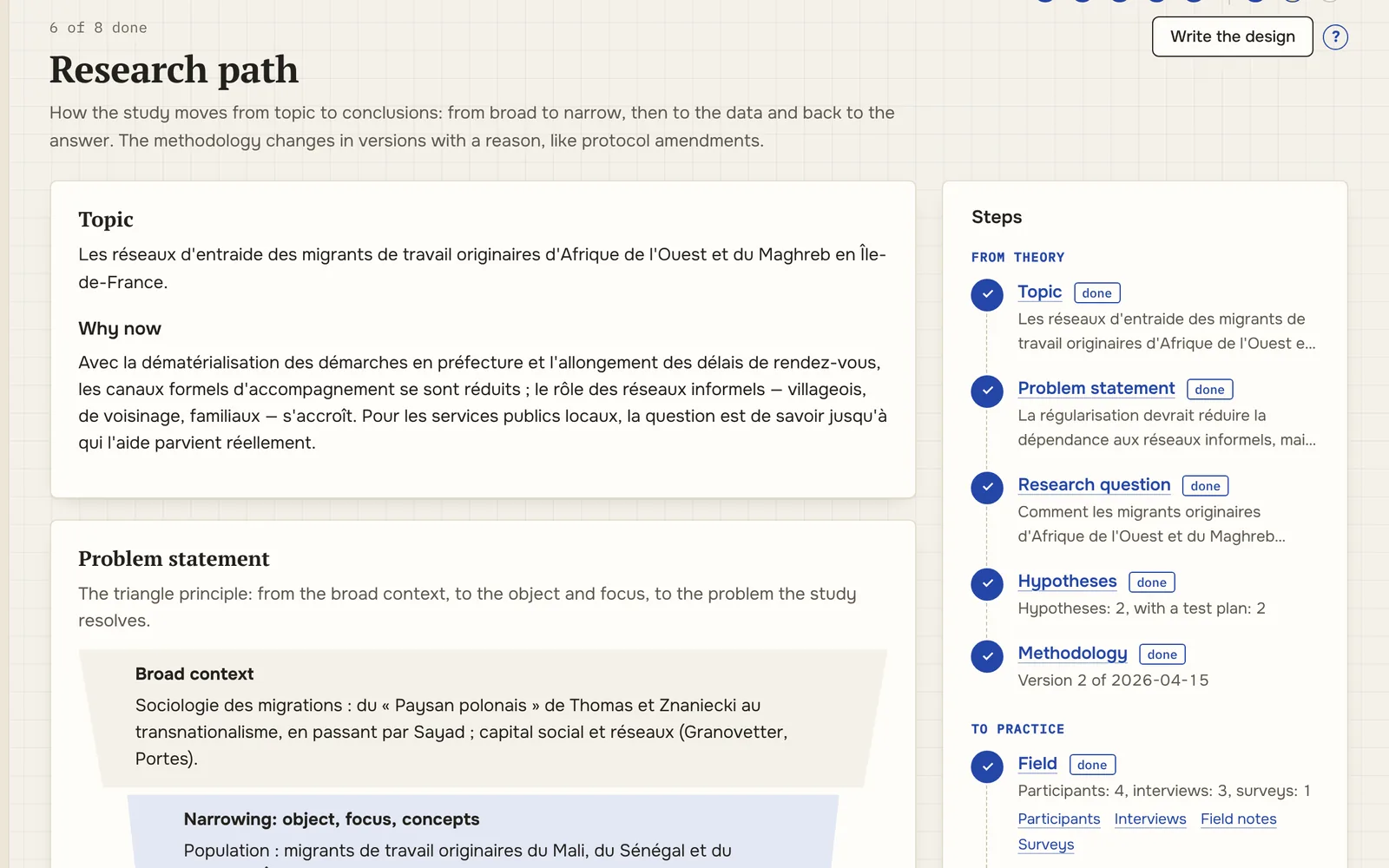
A study is organised in steps: topic, problem statement, research question, hypotheses, methodology, fieldwork, processing and analysis, conclusions. The state of each step is computed from the data, and the methodology is kept like a protocol: every change is saved as a new version with its reason.
what it does
- design: topic and relevance, problem statement from broad context to the problem, research question
- hypotheses with a test plan, evidence for and against, and a status: supported, partially supported, not supported, reformulated
- methodology in seven sections — approach, methods, sample, instruments, ethics, analysis plan, limitations — versioned, with the reason for each change
- the state of all eight steps on the study overview, with a link to where each step is done
output methodology versions · decision log
what it looks like
§ 02 fieldwork available
Participants and consent
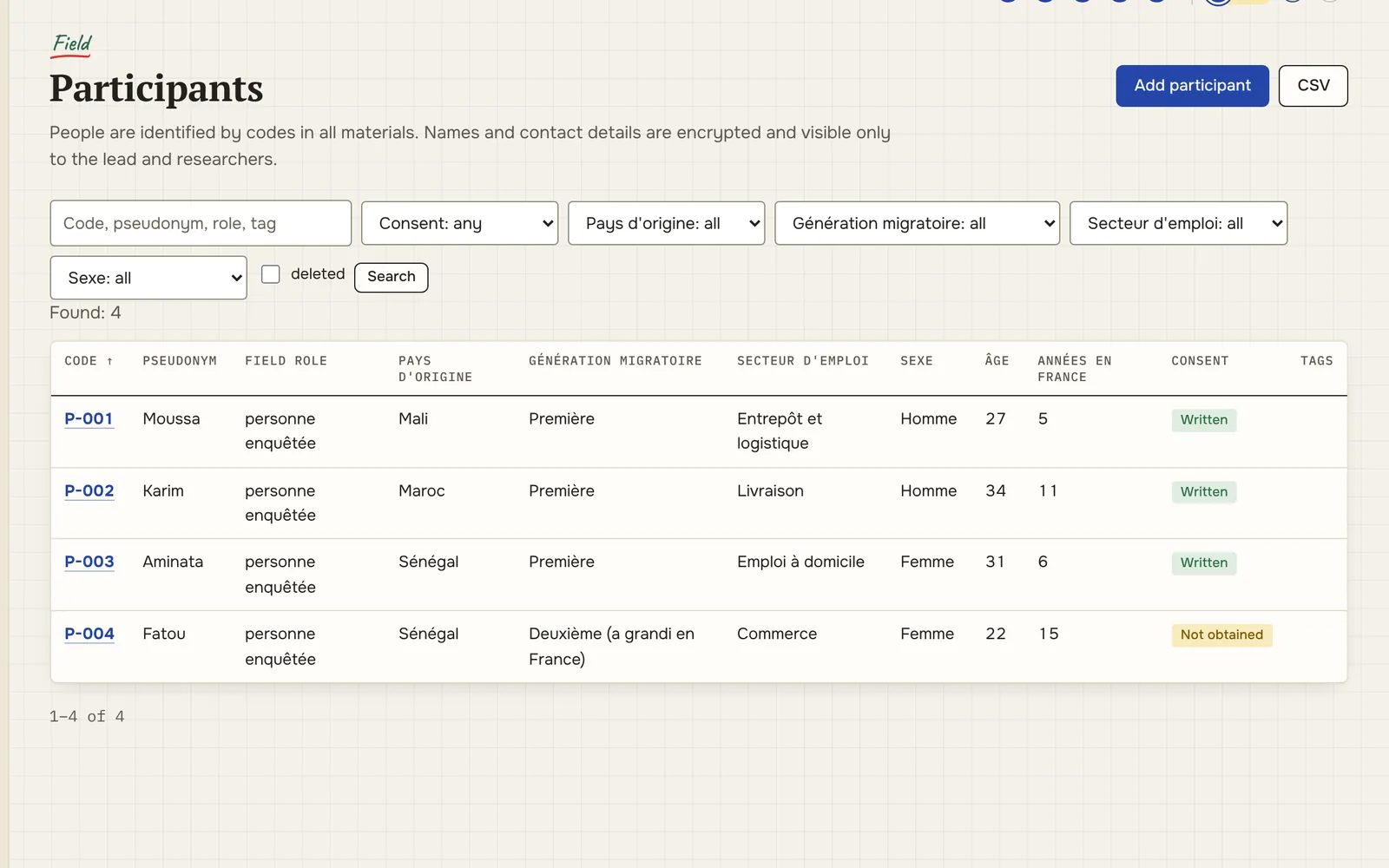
The register of people the study works with. In all materials a person appears under a code (P-001) and, optionally, a pseudonym; the name and contact details are stored separately and encrypted. Consent and its withdrawal are tracked here.
what it does
- codes, pseudonyms, field role and study variables: region, age, generation
- consent status, date and a scan or recording of the consent
- name and contact details in an encrypted block; every viewing is logged
- withdrawn consent removes the participant’s material from every export, quote, statistic and the API
- erasure of personal data at the participant’s request
output CSV without names or contacts
what it looks like
§ 03 fieldwork available
Interviews and transcripts
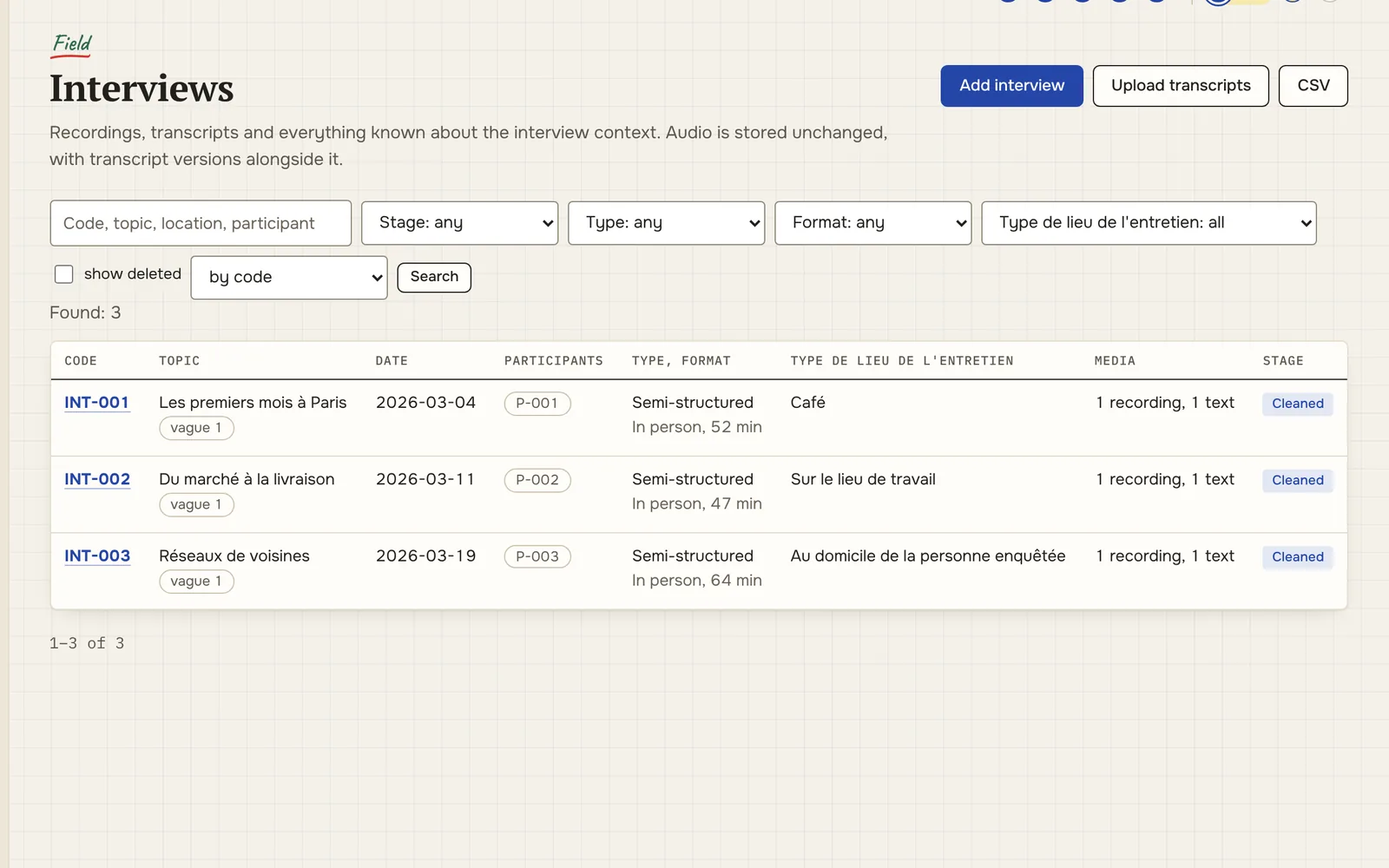
An interview is stored with everything known about it: when, where, with whom, who conducted it, which consent was signed. A transcript is not one file but a chain of versions: from the raw transcription to the anonymised and translated text.
what it does
- meeting metadata and participants coded as P-001, with speaker labels
- audio and video next to the text; transcripts from .txt, .docx, .srt, .vtt and speech-recognition JSON output
- text versions raw → cleaned → normalised → anonymised → translated, each with its recipe
- compare two versions: every changed word is visible
- participants’ names and contacts encrypted; scanned consent forms visible to two roles only
output corpus.jsonl · corpus.json · DOCX · Markdown
what it looks like
§ 04 fieldwork available
Field notes and archive
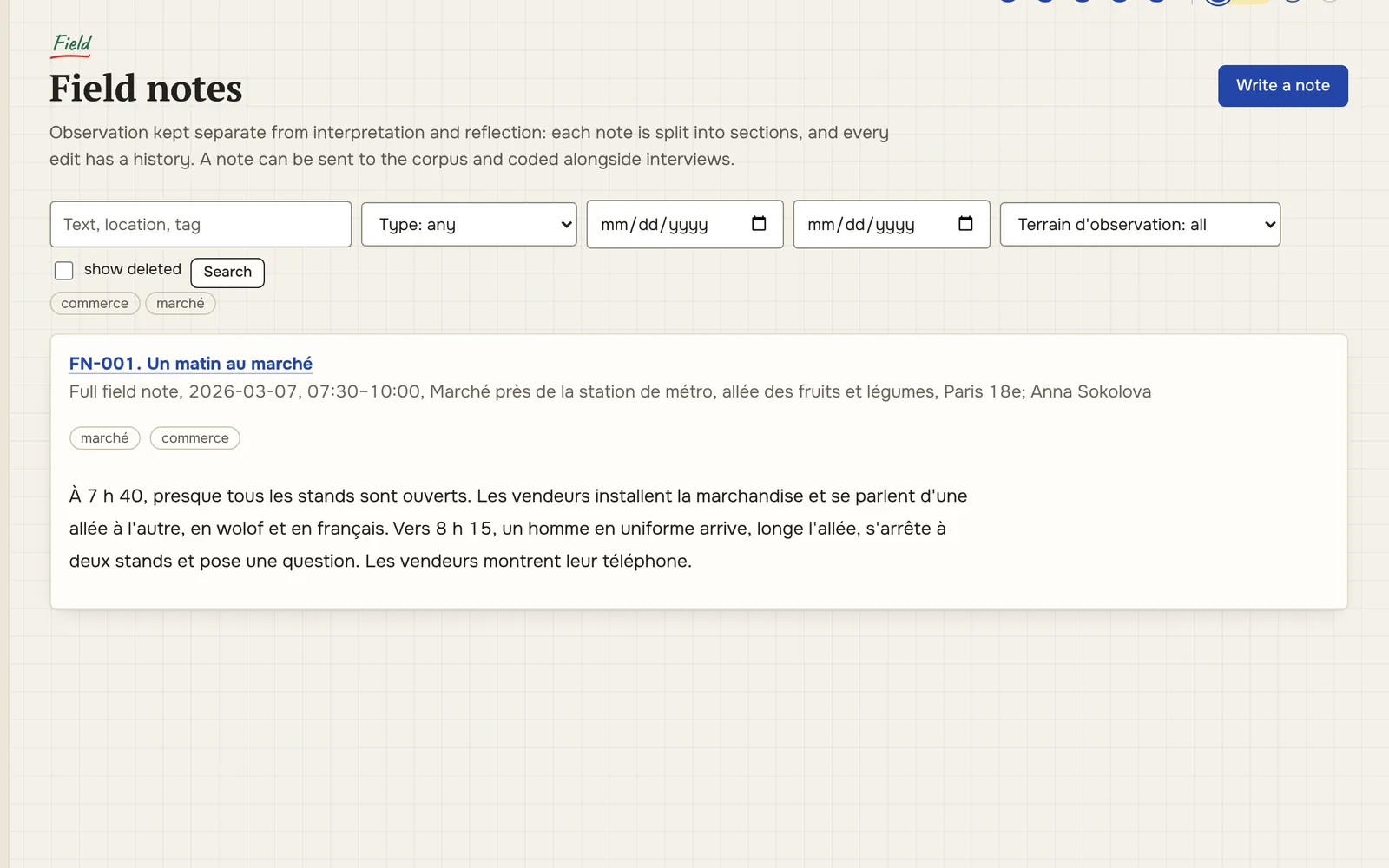
A field note is split the way methods courses teach and hurried fieldwork rarely does: observation in one place, what people said in another, interpretation and reflexivity apart. Field documents live in numbered folders, like the master file of a clinical trial.
what it does
- note sections: observation, utterances, interpretation, reflexivity, method
- note revisions with history: what was written in the field and what was added later
- field archive: numbered folders, document statuses, file revisions
- photographs with EXIF date, place, link to a note and a “people in frame” flag
output ZIP with inventory · DOCX · original files
what it looks like
§ 05 analysis available
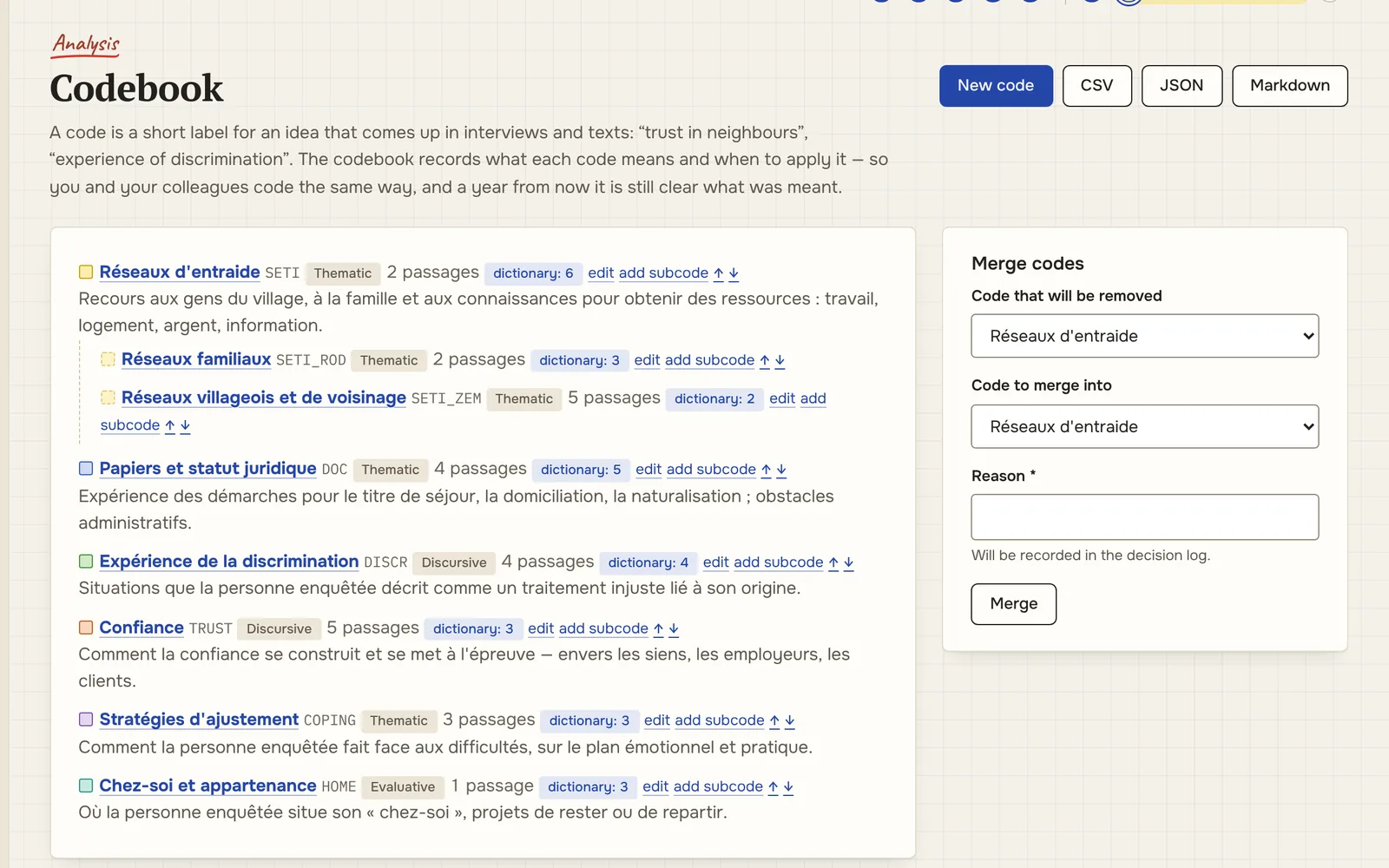
Coding and quotes
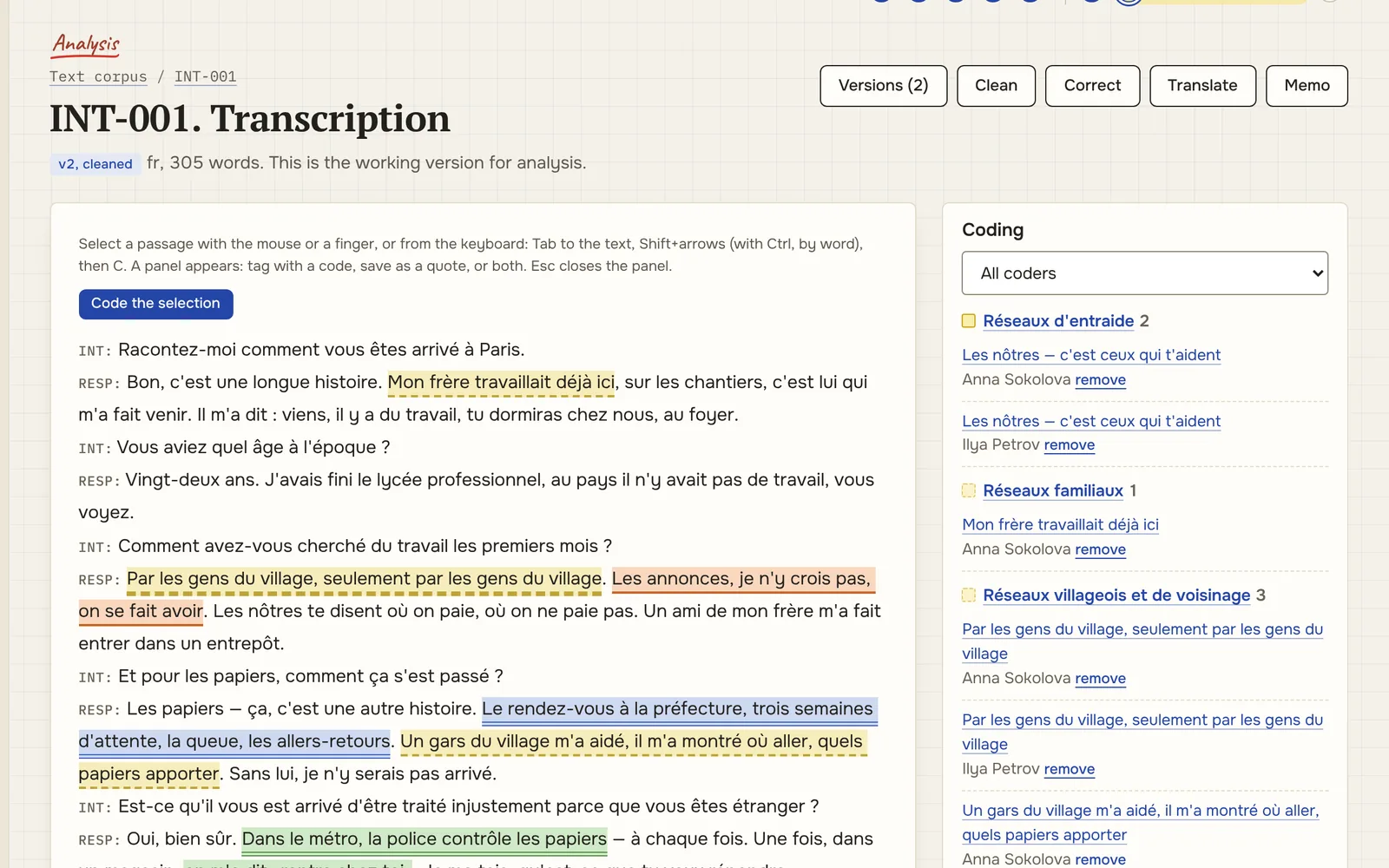
Select a passage — code it or keep it as a quote. Coding is attached to a version of the text and carries over to the next one; a quote remembers its full address: interview, participant, version, line.
what it does
- codebook: hierarchy, definitions, inclusion and exclusion criteria, examples
- merging codes, with the reason written to the decision log
- patterns: codes × texts, codes × groups, co-occurrence, keyword in context
- inter-coder agreement: Cohen’s kappa between two codings
- quotes and selections by chapter; hypotheses with evidence “for”, “against” and “refines”
output DOCX · Markdown · CSV · JSON
what it looks like
§ 06 networks available
Networks
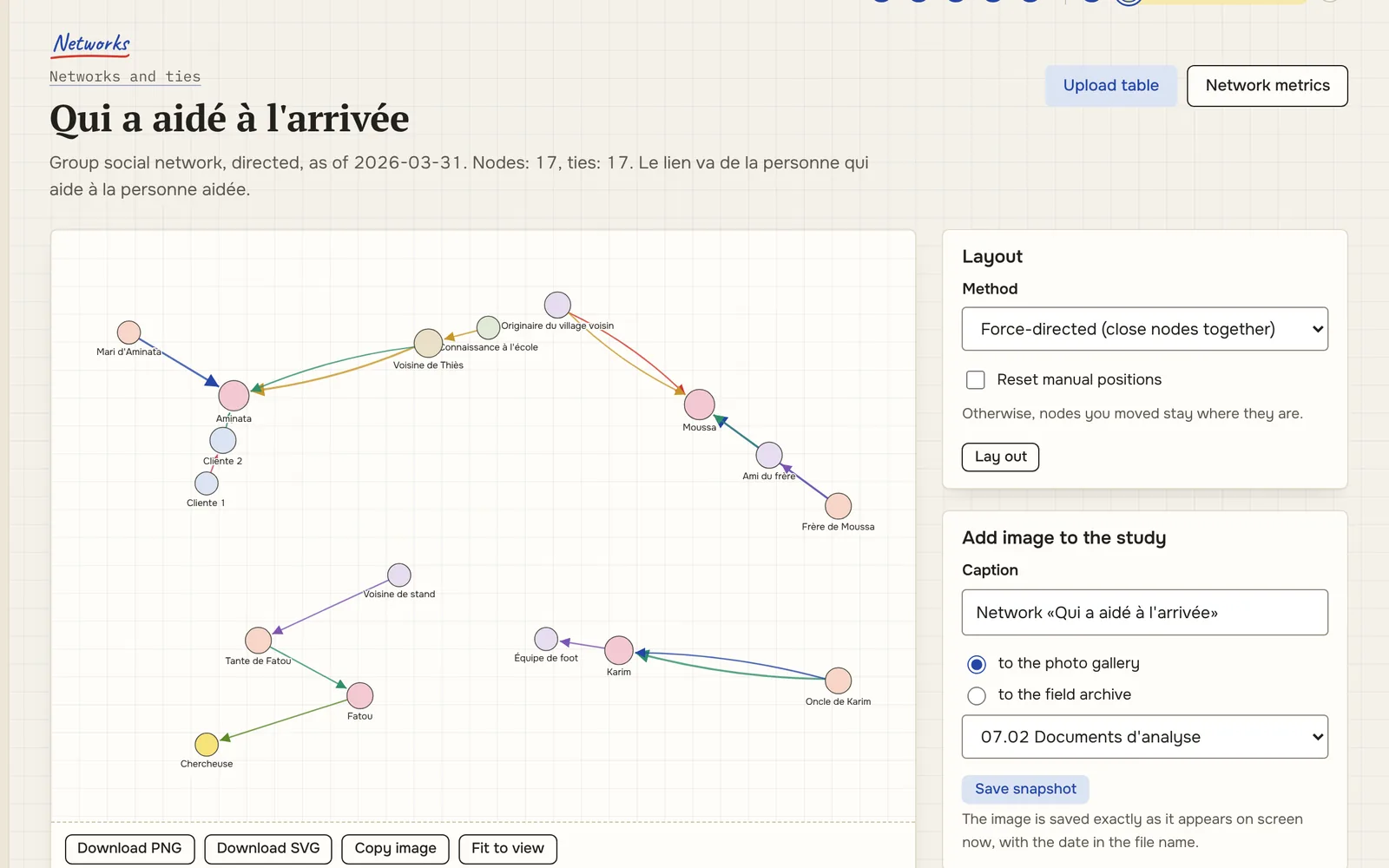
A “person — tie type — person 2” table from XLSX, CSV or simply pasted in becomes a network you can drag by hand, lay out, measure and save as an image straight into the field archive.
what it does
- import an edge list or an adjacency matrix; nodes from the participant register
- layouts: force-directed, Kamada–Kawai, circle, by group; dragging is saved
- measures: density, degree, betweenness, communities
- PNG and SVG images, copy to clipboard, snapshot to the gallery or archive
- table transformations: edge list ↔ matrix, wide ↔ long
output PNG · SVG · GraphML · GEXF · matrix · R (igraph)
what it looks like
§ 07 surveys and sources available
Surveys and cleaning for R
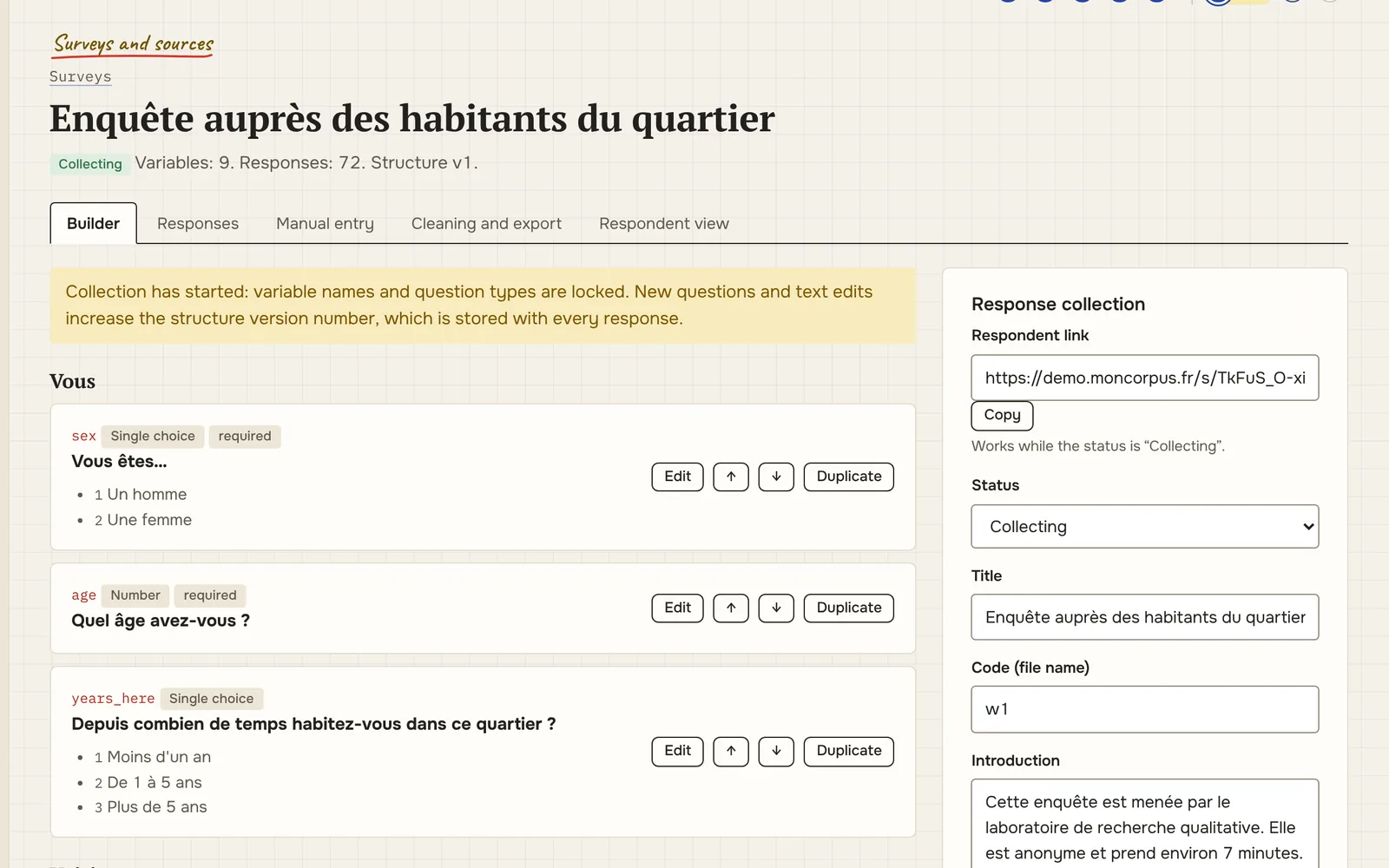
Build a survey right here or enter paper responses by hand. Raw answers are never touched: cleaning is a list of rules with reasons, replayed on every export.
what it does
- open and closed questions, scales, display conditions
- a link for respondents and manual entry of paper questionnaires
- cleaning rules: missing values, recodes, corrections, exclusions, indices — each with a reason
- quality flags: too fast, straight-lining, contradictions
- R export: CSV, a variable dictionary and a script that applies labels and factors itself
output CSV · variable dictionary · R script · XLSX
what it looks like
§ 08 analysis available
Statistics
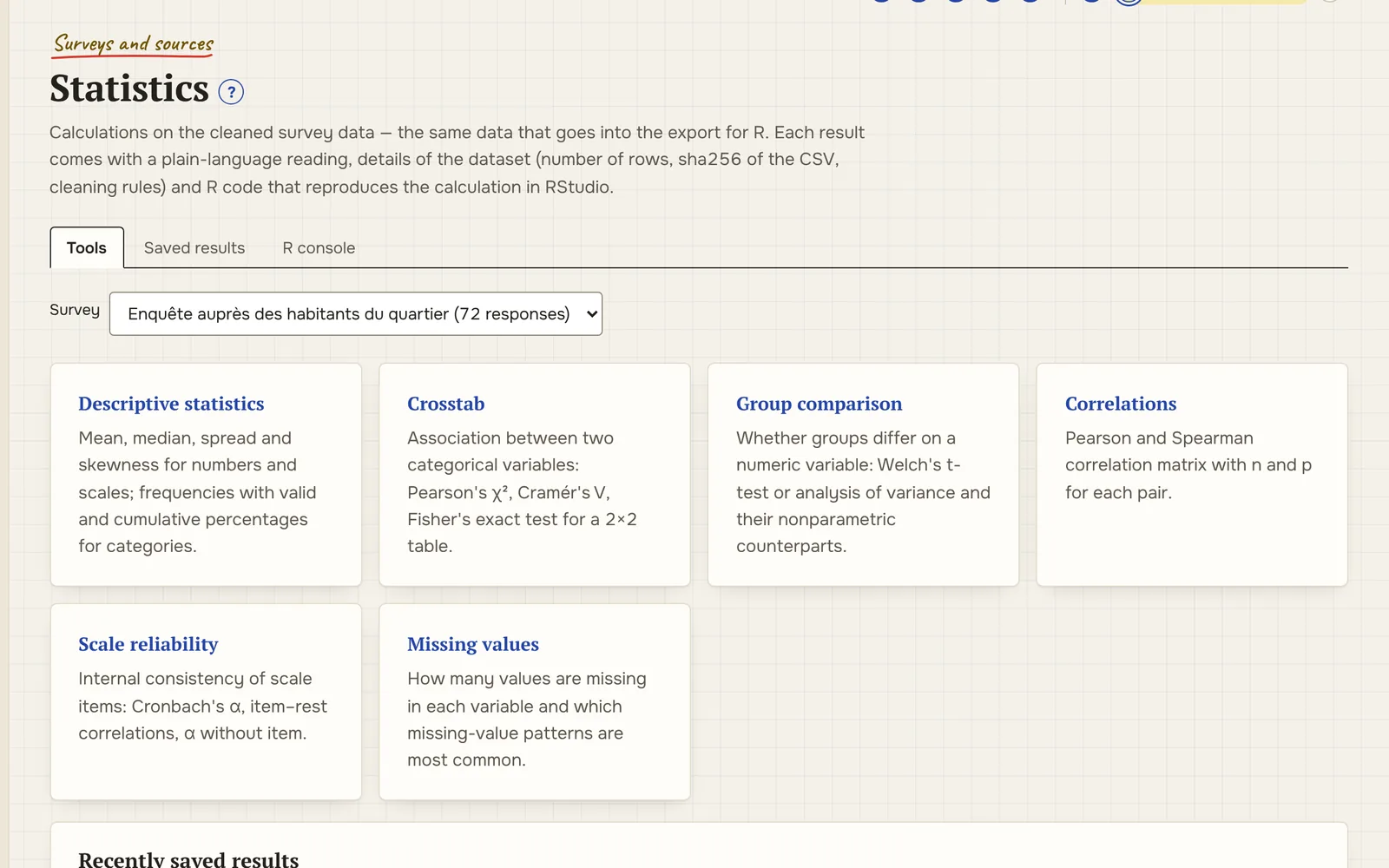
The first questions you ask your data — “how many?”, “who more often?” — shouldn’t require exporting to another program. Tables are computed on cleaned answers and remember which version of the rules they used. For a serious model R is still better — and the export is already there.
what it does
- frequencies and descriptive statistics for survey variables
- cross-tabulations by participant group
- every table knows which data and cleaning rules it was built from
output CSV · XLSX
what it looks like
§ 09 study available
Dictionaries
“NYC”, “New York” and “New York City” are three different cities to any program. Study dictionaries keep lists of allowed values and replacement rules, so regions, occupations and place types are written the same way in every interview and survey.
what it does
- value lists for study fields: region, generation, place type
- anonymisation dictionary: what to replace in texts, and with what
- dictionaries for the lexicon coder: words and phrases that signal a code
- carrying dictionaries between studies along with a study template
output CSV · JSON (study template)
what it looks like
§ 10 data quality available
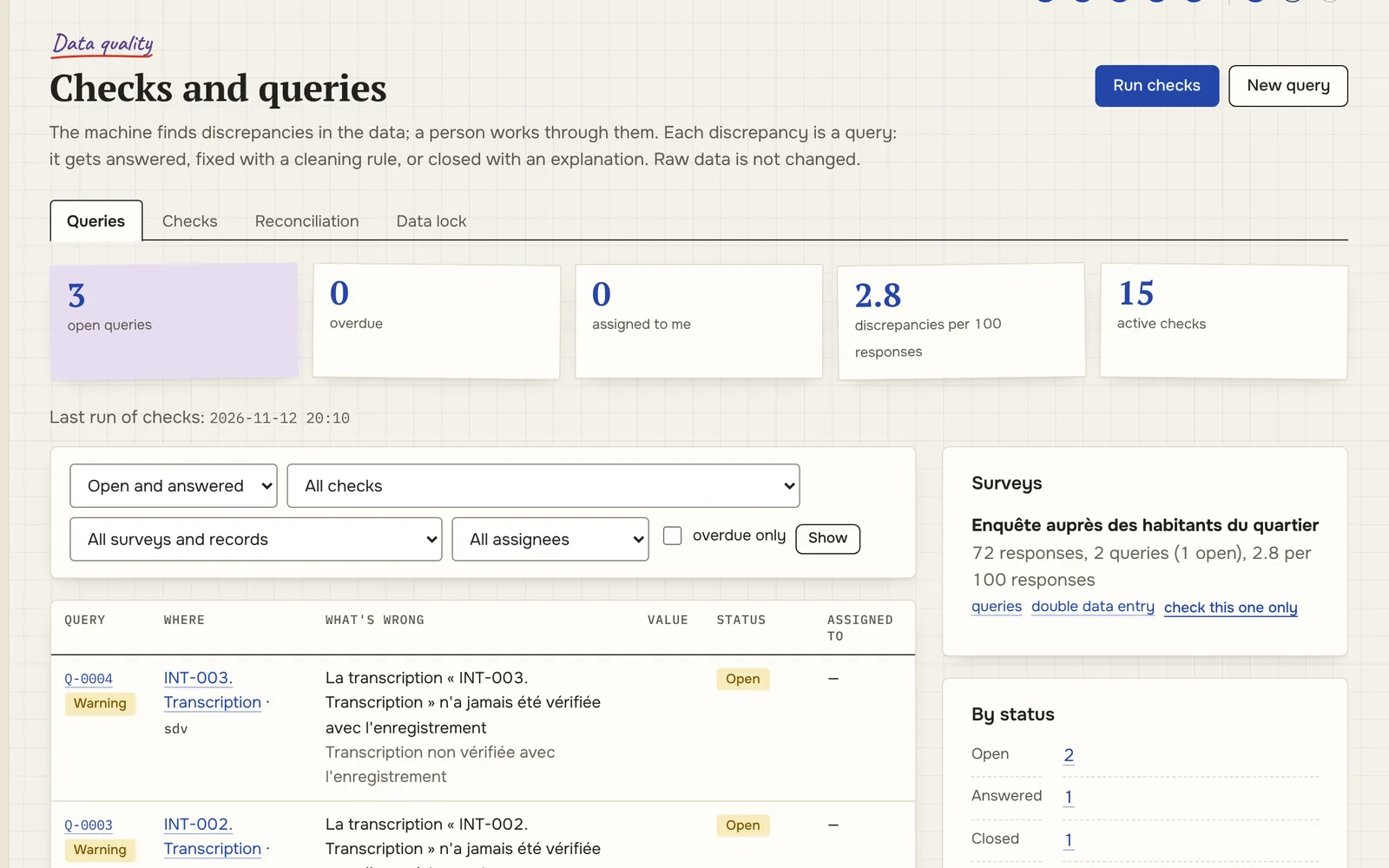
Checks and queries
A practice borrowed from clinical trials: data is checked by rules at entry, a doubtful value becomes a question to its author, and the database is locked before analysis. A year later, nobody has to guess whether it was a typo or a finding.
what it does
- edit checks at entry: ranges, required fields, logical contradictions
- queries: a question about a value, the author’s answer, closure — all in the history
- double entry of paper questionnaires and reconciliation of differences
- data lock before analysis: what is locked, by whom and when
output check report · query log
what it looks like
§ 11 surveys and sources available
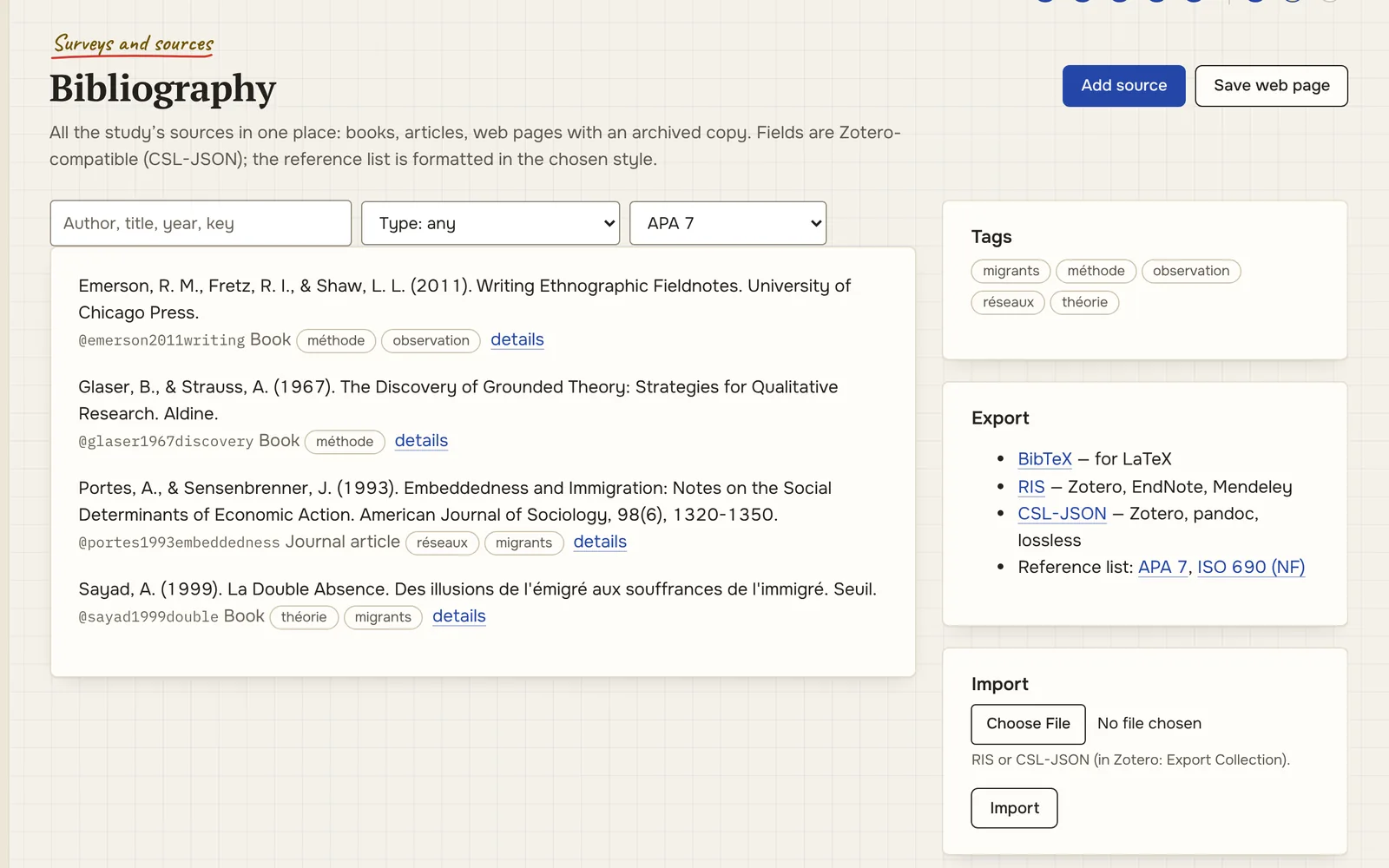
Bibliography
Sources live next to the data: a book, an article or a web page can be linked to a quote or a memo. Manual entry in CSL-JSON fields, import from a reference manager, a saved copy of a web page in case it disappears.
what it does
- manual entry, RIS and CSL-JSON import from reference managers
- a copy of the web page with the access date
- APA formatting; BibTeX, RIS, CSL-JSON export
output BibTeX · RIS · CSL-JSON
what it looks like
§ 12 data quality available
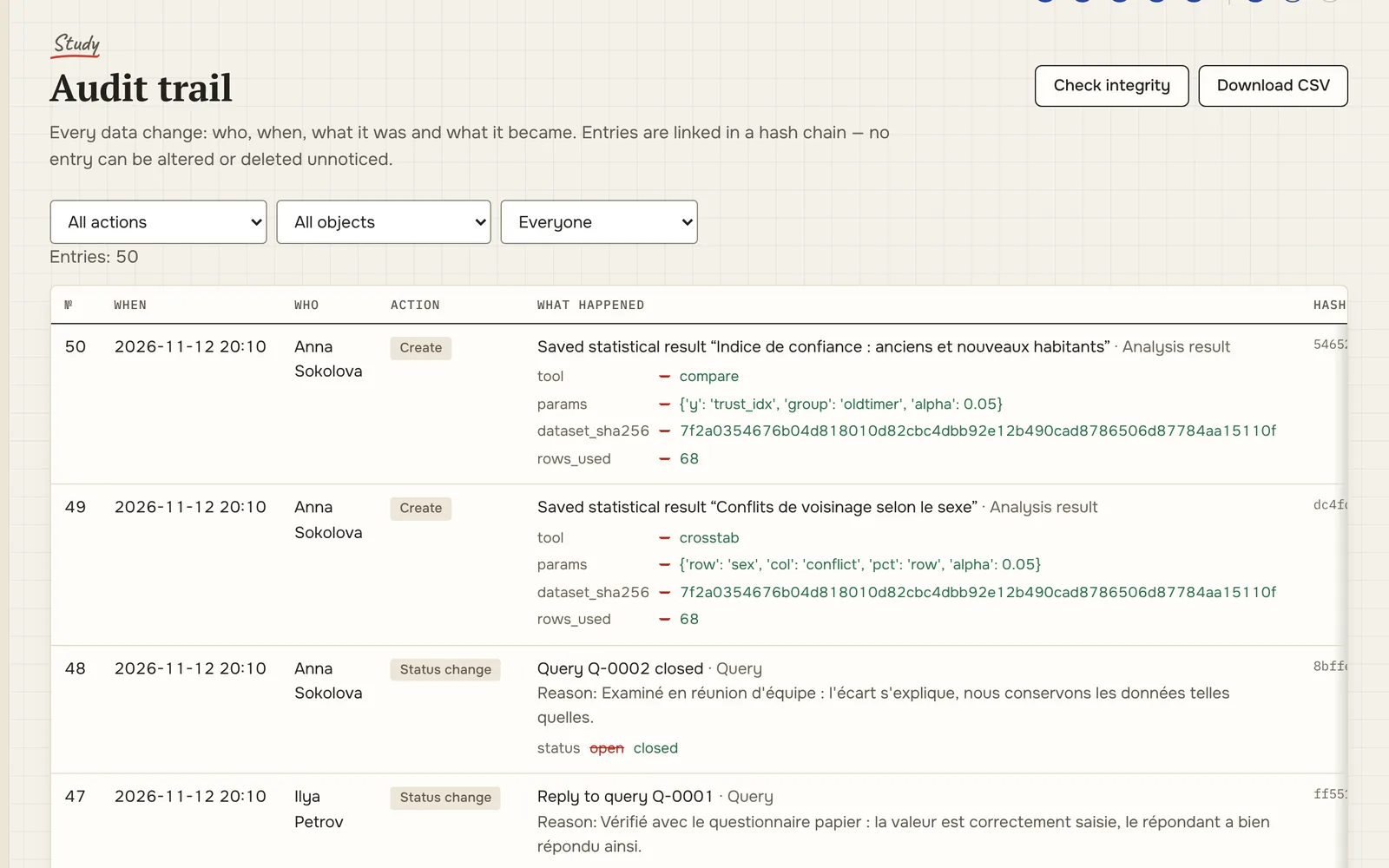
Audit trail
Every creation, edit, deletion, upload, export and view of a participant’s name is recorded automatically. Entries are linked by a hash chain: if someone quietly edits an entry directly in the database, verification shows where the chain breaks. Next to it is a decision log, where the researcher writes down why.
what it does
- audit trail: user, server time, “before” and “after” fields
- hash chain and integrity checks for the trail and for files
- decision log: “we exclude…, because…” — entries are never deleted
- data package with inventory and sha256 for an archive or repository
output ZIP (Frictionless Data Package) · sha256
what it looks like
§ 13 study available
Teamwork
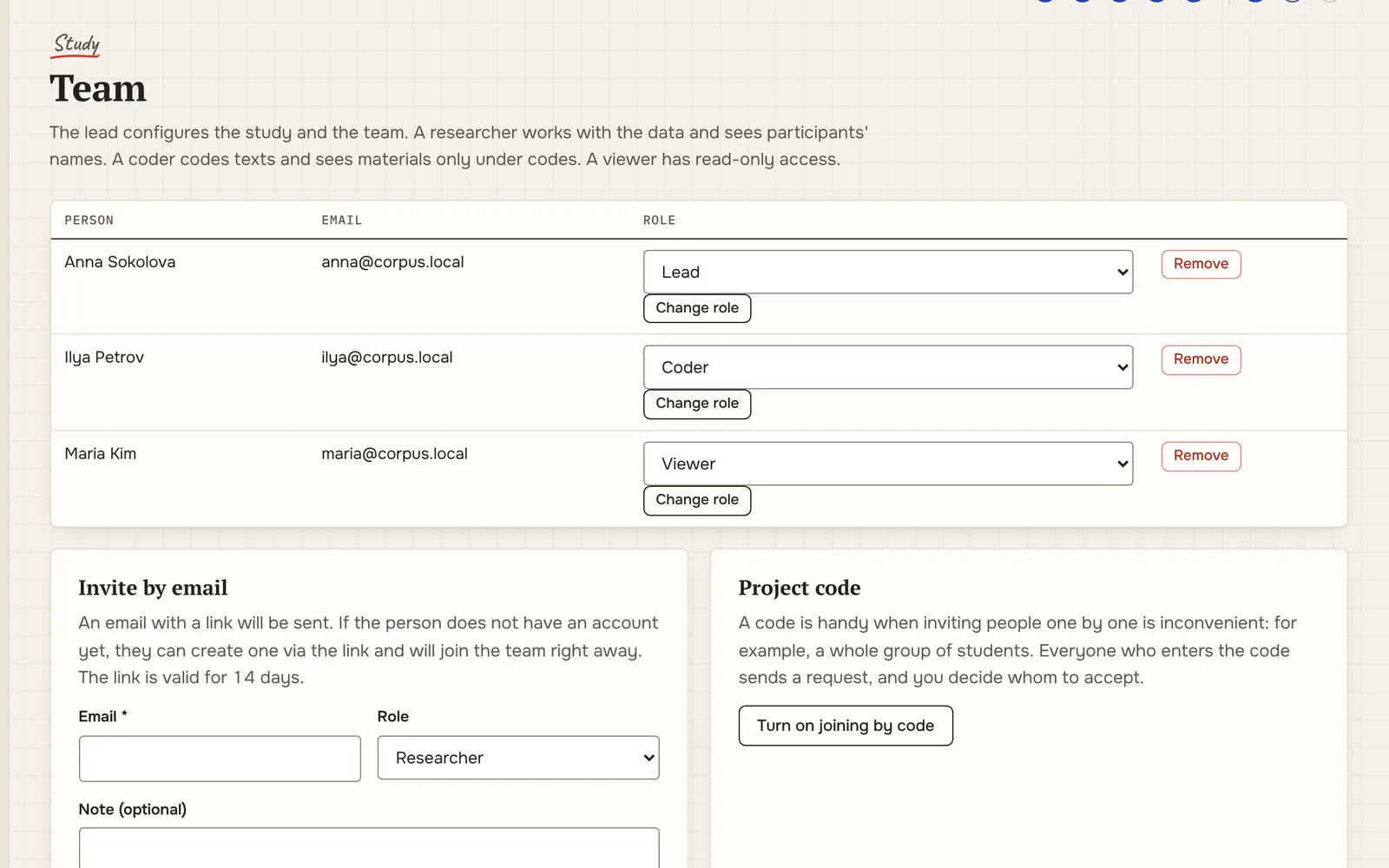
Research is rarely done alone. Everyone on the team has a role and permissions: a coder doesn’t see participants’ names, an observer can’t break anything, and the lead sees who did what.
what it does
- roles: lead, researcher, coder, observer — permissions checked on every page
- English, French and Russian interface; the audit trail is shown in each person’s language
- REST API with personal tokens — for your own R or other scripts
- notifications; discussion threads on data queries
output API · JSON
what it looks like
§ next · plans
What isn’t there yet
Features that do not exist yet and that people ask about most often. Their order will be set after the pilot.
- project exchange with qualitative analysis software (open REFI-QDA format);
- survey import and export in statistical package formats (.sav, .dta) and DDI Codebook;
- transcript and audio synchronisation by timecode;
- field notes on a phone, offline;
- automatic transcription and translation through pluggable services;
- sign-in with a university account (Renater, eduGAIN).
suggestions — here
Demo access
The platform includes a demo study, “Labour migration”, with fictional data: participants and consent, interviews, a survey, a network, coding and the audit trail. You can try every module described above on it before moving your own study in.